
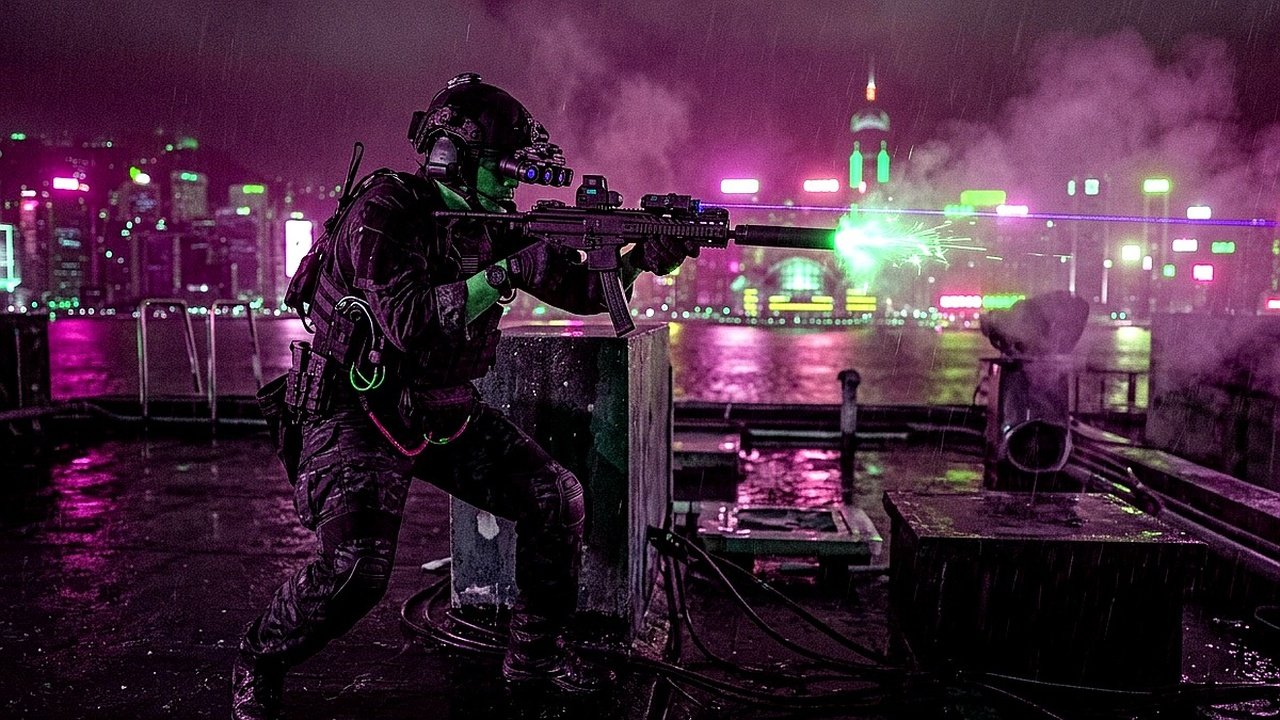
Dialing in the optimal Warzone Resurgence Audio configuration is the ultimate tactical asset for surviving fast-paced battle royale engagements on Rebirth Island and Urzikstan. Because close-quarters combat demands instantaneous awareness, distinguishing enemy footsteps from ambient killstreak explosions determines whether you wipe a squad or get sent to the gulag.
Historically, Call of Duty audio balance has suffered from excessive dynamic range, where loud gunshots and airstrikes completely drown out critical tactical cues. Fortunately, applying modern PC loudness equalization and optimized in-game audio mixes restores audio clarity.
⚡ Critical Tweak: Windows Loudness Equalization
Enabling the hidden ‘Loudness Equalization’ enhancement inside Windows Sound Control Panel compresses your system audio output. This automatically boosts low-frequency footsteps by up to 12dB while attenuating ear-splitting precision airstrike audio, giving you wall-hack level auditory awareness.
The Competitive Audio Master Preset Matrix
Configure your in-game audio settings according to this benchmark matrix tested across top Warzone tournament competitors:
Third-Party Parametric EQ Curves: SteelSeries Sonar & Dolby Atmos
For PC enthusiasts utilizing third-party parametric equalizers like SteelSeries Sonar or Equalizer APO, fine-tuning specific frequency bands yields unmatched tactical spatial separation.
Focus on boosting the 150Hz to 350Hz range by approximately +3.5dB to amplify the low resonant thud of combat boots on concrete. Concurrently, apply a gentle cut of -4dB around the 4kHz to 6kHz range to soften harsh glass-shattering and grenade detonation spikes.
Pair your enhanced audio setup with top meta loadouts featured in our breakdown: Call of Duty Warzone Season 6 Meta Loadouts: DTIR & Kastov Builds.
Spatial Audio: Windows Sonic vs Dolby Atmos vs Stereo
While marketing materials often push virtual 7.1 surround sound, competitive pro players overwhelmingly choose clean Stereo or certified Dolby Atmos for Headphones. Simulated 7.1 algorithms frequently introduce phase cancellation that distorts sound source distance calculations.
A pristine stereo soundstage combined with high-performance open-back headphones delivers authentic binaural directional cues, enabling you to pinpoint enemies through ceilings and stairwells with pin-point accuracy.
Frequently Asked Questions About Warzone Resurgence Audio
How do I enable Loudness Equalization on Windows 11?
Right-click the speaker icon in your taskbar, select Sound Settings > More Sound Settings, double-click your playback device, navigate to the Enhancements tab, check ‘Loudness Equalization’, and hit Apply.
Does the Flex perk remain mandatory for audio awareness?
Yes, the Flex perk drastically reduces ambient combat noise, lowers explosive audio, and clarifies enemy footstep frequencies within a 20-meter radius, making it an indispensable third perk slot choice.
Why do parachutes occasionally fail to make audio cues?
When multiple high-volume events occur simultaneously (such as mortar strikes and vehicle explosions), the in-game audio engine hits voice channel limits and drops lower-priority audio packets. Lowering dialogue and music volume prevents this channel saturation.
Related posts:
 Warzone Season 6 Meta Loadouts 2026: Top 5 Weapon Builds for Rebirth Island
 Call of Duty Warzone Season 6 Meta Loadouts: Best DTIR 30-06 & Kastov LSW Setups for Rebirth Island
 Black Ops 6 Liberty Falls Secret Easter Eggs: Free Ray Gun, Bowling Mini-Game & Vault Codes
 Black Ops 6 Omnimovement Guide: Best Controller Settings, Slide Cancel Binds & TTK Loadouts