
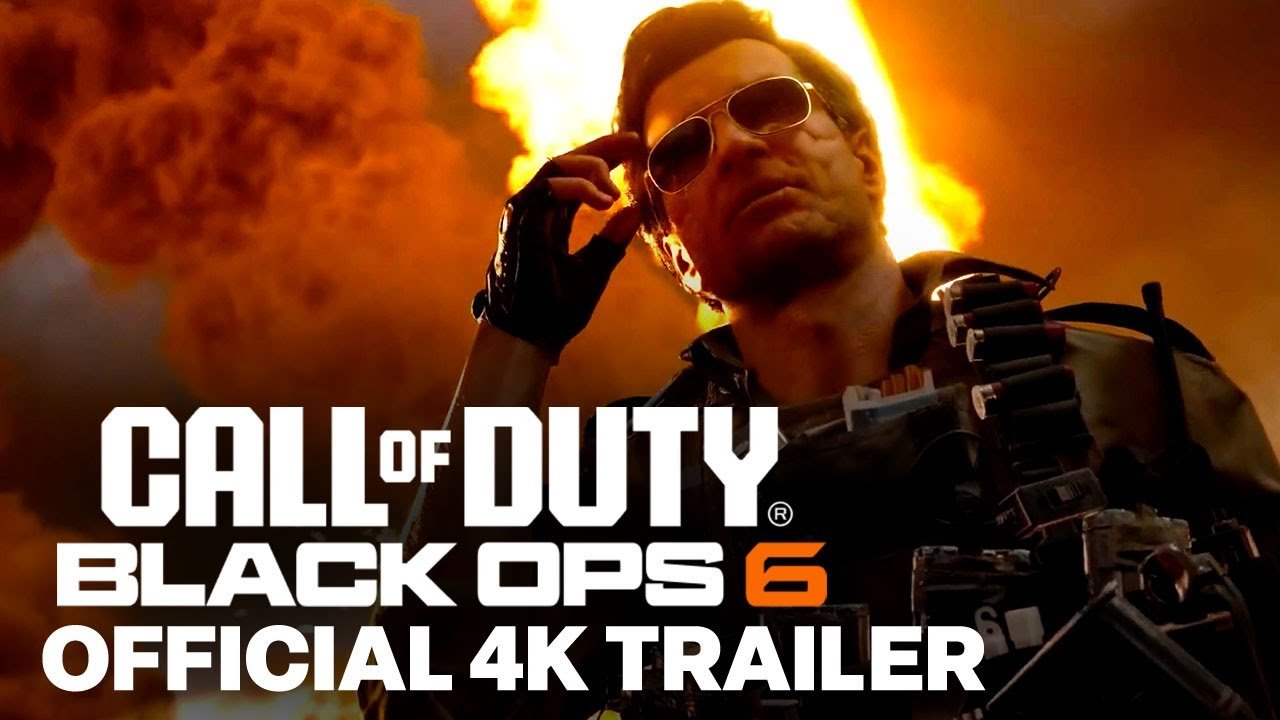
Mastering advanced movement using this Black Ops 6 Omnimovement Guide is the single most critical factor for winning gunfights and dominating multiplayer lobbies. Treyarch’s groundbreaking omnimovement system allows operators to sprint, slide, and dive in any 360-degree direction while maintaining full weapon aiming capabilities. Consequently, reconfiguring your controller layout and learning fluid slide cancel transitions will drastically increase your Kill/Death ratio.
Omnimovement Mechanics Core
- Full 360 Sprinting: Sprint backwards or laterally at full forward sprint velocity without camera lock.
- Supine Prone: Rotate a complete 360 degrees while lying on your back, tracking aerial and flanking enemies.
- Corner Dives: Execute lateral diving past doorways while firing high-damage SMGs like the Jackal PDW.
Black Ops 6 Omnimovement Guide: Best Controller Settings & Deadzones
To exploit omnimovement to its fullest potential, players must adjust several default controller settings in the Gameplay menu. Change your Slide/Dive Behavior to Tap to Slide rather than Hold to Slide. This eliminates input delay, allowing you to trigger instant slides upon pressing your crouch paddle.
Furthermore, enable Auto Tactical Sprint to guarantee immediate maximum velocity whenever you push the analog stick in any direction. Adjust your Left Stick Min Deadzone between 2 and 5 to provide instantaneous movement registration. Pairing these settings with the Tactical or Bumper Jumper Tactical button layout ensures your thumbs never leave the aiming sticks during high-speed gunfights. Therefore, you can slide laterally through choke points while keeping crosshairs locked on target.
Fast Slide Canceling & Fastest TTK Weapon Combos
Executing the refined slide cancel in Black Ops 6 requires pressing Slide followed immediately by Sprint while pulling the directional stick diagonally forward. This reset animation maintains momentum while resetting your character’s hipfire spread. Furthermore, incorporating backwards slides while engaging close-range shotgunners creates unexpected space that throws off enemy aim assist.
Additionally, pairing omnimovement with weapons that possess ultra-fast sprint-to-fire times—such as the Jackal PDW or XM4 equipped with the Ergonomic Grip and Light Stock—ensures you fire first in head-to-head collisions. Building for mobility allows operators to clear rooms at breakneck pace. Ultimately, mastering directional transitions will make you virtually impossible to track.
Pro Movement Drill
Practice in private matches against veteran bots: sprint forward, execute a 90-degree lateral dive behind low cover, transition seamlessly into supine prone, and eliminate the target before standing up. Repeating this drill builds second-nature muscle memory.
Frequently Asked Questions: Black Ops 6 Omnimovement Guide
Does omnimovement carry over into Warzone? Yes, Treyarch and Raven Software have integrated full omnimovement mechanics into the upcoming Warzone Area 99 update.
Can you shoot while diving through the air? Yes, players can fire accurately from the hip or Aim Down Sights throughout the entire trajectory of a forward or backward dive.
Related posts:
 Warzone Season 6 Meta Loadouts 2026: Top 5 Weapon Builds for Rebirth Island
 Call of Duty Warzone Season 6 Meta Loadouts: Best DTIR 30-06 & Kastov LSW Setups for Rebirth Island
 Black Ops 6 Liberty Falls Easter Egg Guide: LT53 Kazimir Steps, Church Boss & Ray Gun Crafting
 Black Ops 6 Liberty Falls Secret Easter Eggs: Free Ray Gun, Bowling Mini-Game & Vault Codes