
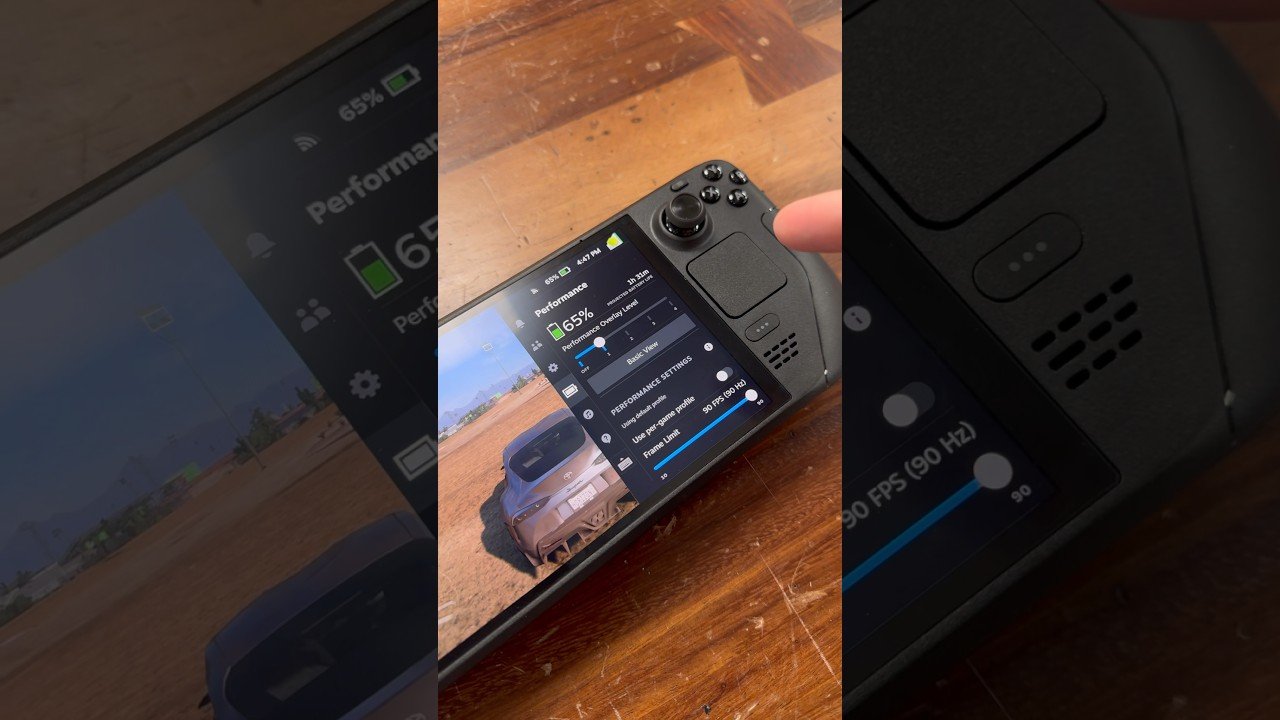
Optimizing your handheld performance with these verified Steam Deck Gaming Hacks eliminates stuttering in AAA blockbusters, boosts frame rates by up to 25%, and extends battery life. Valve’s Steam Deck and Steam Deck OLED remain beloved portable gaming machines, but demanding titles like Cyberpunk 2077, Dragon Ball: Sparking! ZERO, and Metaphor: ReFantazio can push the AMD Van Gogh APU to its limits. Consequently, implementing CryoUtilities 2.0, adjusting BIOS UMA frame buffer sizes, and tuning TDP curves unlocks the true power of SteamOS.
Essential Steam Deck Tweaks
- UMA Buffer (BIOS): Increase GPU dedicated VRAM allocation from default 1GB up to 4GB.
- CryoUtilities 2.0: Configure 16GB swap file with swappiness set to 1 to eliminate memory crash errors.
- Decky Loader Plugins: Install PowerTools and Fantastic for custom fan curves and core undervolting.
Steam Deck Gaming Hacks: CryoUtilities 2.0 & 4GB VRAM Setup
The single most impactful tweak for modern PC ports is adjusting the UMA Frame Buffer in the Steam Deck BIOS. By default, Valve allocates only 1GB of dedicated video memory, forcing the APU to dynamically request memory from shared system RAM. This causes micro-stutters when rendering sudden asset explosions in intense combat.
To fix this, power off the Steam Deck, hold the Volume Up button, and press Power to enter the BIOS menu. Navigate to Setup Utility > Advanced > UMA Frame Buffer Size and change the value from 1G to 4G. Furthermore, boot into Desktop Mode and install CryoUtilities 2.0 by CryoByte33. Selecting Recommended Settings creates a 16GB swap file on your internal SSD and adjusts Linux memory swappiness from 60 down to 1. This prevents Out-Of-Memory crashes in heavy open-world games.
Battery Life Tuning & Decky Loader Undervolting
To maximize playtime on the go, install Decky Loader and the PowerTools plugin. Many indie titles and JRPGs run smoothly on 8 to 10 Watts TDP rather than the default 15W maximum. Capping TDP to 10W drops APU temperatures from 82°C down to 64°C, extending battery life from 2 hours up to 3.5 hours on the LCD model and 5 hours on OLED.
Additionally, modern Steam Deck OLED units support slight undervolting (-20mV to -40mV on CPU/GPU/SOC) directly in the BIOS settings. Undervolting reduces power draw without sacrificing clock frequencies, allowing the APU to sustain higher GPU clocks under heavy graphical load. Ultimately, these minor software tweaks turn your Steam Deck into the ultimate portable gaming station.
SteamOS Update Note
Major SteamOS system updates may occasionally reset your BIOS UMA buffer back to 1GB. If you notice sudden micro-stuttering after a system update, simply boot back into BIOS to re-verify the 4GB setting.
Frequently Asked Questions: Steam Deck Gaming Hacks
Does CryoUtilities void the Steam Deck warranty? No, CryoUtilities strictly configures software settings within SteamOS and does not flash custom hardware firmware.
Does setting UMA to 4GB reduce available RAM for games? The 4GB reservation merely designates minimum VRAM allocation; memory not actively utilized by textures remains dynamically accessible to the operating system.
Related posts:
 Steam Deck OLED Battery and Performance Optimization Guide: Best TDP Limits & Per-Game Setup
 Steam Free Weekend October 2026: ARC Raiders, Core Keeper & Squad 44 Free Trials
 Unreal Engine 5.5 vs Proprietary Engines: Why AAA Studios Are Abandoning In-House Tech for Epic Games’ MegaLights & Nanite
 Steam Deck OLED CryoUtilities 2.0 & VRAM Tuning Guide: Boost FPS in Black Ops 6 & Sparking ZERO