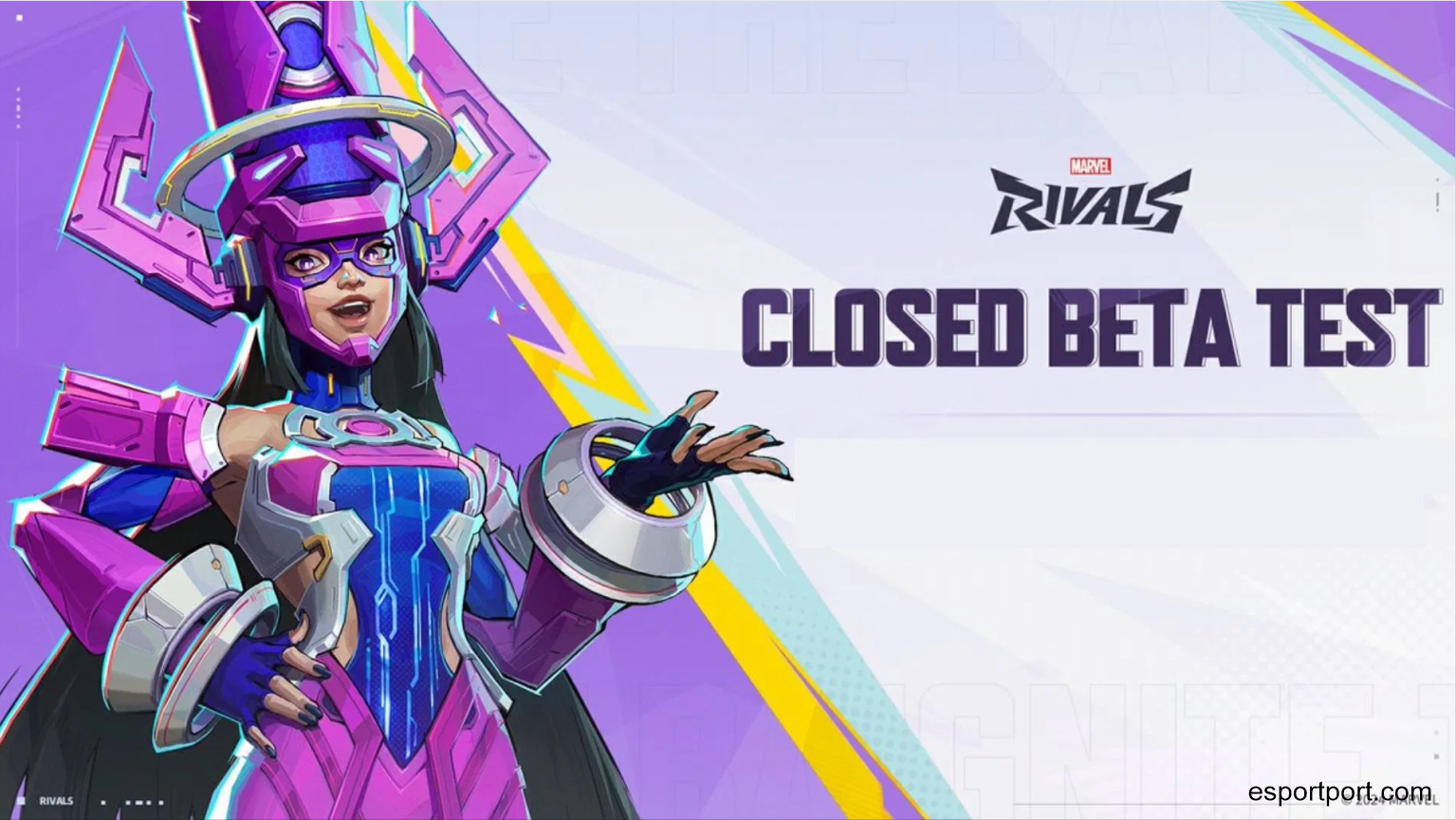
NetEase’s highly anticipated 6v6 hero shooter, Marvel Rivals, is currently the most-watched game on Twitch. Millions of players are desperately trying to get into the closed testing phase to try out the new Venom and Adam Warlock mechanics.
If you are tired of waiting for an email invite, you need to be actively searching for marvel rivals closed beta keys through the official Twitch Drops program. The developers are dropping thousands of keys tonight, but they will be claimed within minutes. Here is the ultimate guide on how to guarantee you get a key before the drop pool runs out.
- Table of Contents:
- The Twitch Drops Schedule
- The “Muted Tab” Exploit
- 💡 Expert Comments: Console vs PC Keys
1. The Twitch Drops Schedule
Unlike standard beta keys that are randomly emailed, NetEase has partnered with Twitch to guarantee access for dedicated viewers. Starting tonight at 5:00 PM EST, you simply need to link your NetEase account to your Twitch account. Once linked, you must watch any streamer playing Marvel Rivals with the “Drops Enabled” tag for exactly 60 minutes. Once the timer hits 60 minutes, a notification will appear in your Twitch inventory allowing you to claim a Steam, PS5, or Xbox Series X beta code.
2. The “Muted Tab” Exploit
You do not actually have to physically sit and watch the stream for an hour to get the key. However, Twitch has implemented a system that pauses your viewing progress if the browser tab is fully muted. To bypass this, open a streamer’s page, leave the Twitch video player volume on, but right-click the browser tab itself (in Chrome or Firefox) and select “Mute Site.” This allows the video to play silently in the background while your Drops progress bar continues to fill up seamlessly while you do other things.
🛡️ EXPERT COMMENTS: CONSOLE VS PC KEYS
Which platform should I choose?
When you finally claim your Twitch Drop and head to the redemption page, you will be asked to choose between Steam, PS5, or Xbox. Be incredibly careful with this choice! According to the community managers, PS5 and Xbox keys run out significantly faster than Steam keys. If you wait too long to redeem your Drop, you might click the PS5 option only to find out the console pool is completely empty, leaving you stuck with a Steam key you can’t use.