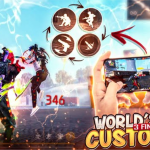
Pro Custom HUD Preset Roundup: Switching from a standard two-thumb layout to a 3-Finger or 4-Finger Claw Custom HUD is the single fastest way to master sit-up Gloo Wall placement, jump-shot headshots, and instant quick-weapon switching in Free Fire MAX on Sunday, September 27, 2026.
Staying ahead of Sunday’s competitive ranked grind requires verified data tables and pro-calibrated configuration matrices. In this complete guide to Free Fire HUD codes, we have structured every essential slider value, copy-paste code, and device tuning tip into two quick-reference matrices.
Verified 3-Finger & 4-Finger Claw Custom Layout Button Placement Matrix
Below is our verified master reference table for Free Fire HUD codes, updated with the latest pro-tested configurations for Sunday, September 27, 2026:
| HUD Control Element | 3-Finger Claw Position & Size | 4-Finger Claw Position & Size | Tactical Execution Advantage |
|---|---|---|---|
| Primary Fire Button (Drag) | Bottom-Right (Size: 44%, Opacity: 65%) | Bottom-Right (Size: 42%, Opacity: 60%) | Dedicated right thumb for clean upward headshot drags |
| Secondary Left Fire Button | Top-Left Index (Size: 65%, Always On) | Top-Left Index (Size: 68%, Always On) | Instant Gloo Wall drop while right thumb aims 360° |
| Gloo Wall / Grenade Slot | Center-Left ThumbReach (Size: 75%) | Top-Left Index Adjacent (Size: 80%) | Cuts sit-up Gloo Wall deployment time under 0.25s |
| Crouch / Sit-Up Button | Bottom-Right Inner (Size: 62%) | Top-Right Index Finger (Size: 72%) | Enables fluid Fire -> Crouch -> Gloo Wall combo |
| Jump & Scope Buttons | Mid-Right Edge (Size: 60%) | Top-Right Index Cluster (Size: 68%) | Jump-peek shotgun flicks without losing camera control |
| Quick Weapon Switch | Top-Left Below Fire (Size: 70%) | Bottom-Left Thumb (Size: 65%) | Zero-delay double sniper (AWM/M82B) & M1887 swaps |
🔥 Read Next on EsportPort: Don’t miss our other top trending esports and gaming guides today, including our device-specific Free Fire MAX zero recoil sensitivity settings for 2GB to 8GB RAM and our Marvel’s Wolverine & Metro 2039 PS5 Pro Modes
Copy-Paste Preset Configurations & Pro Claw Style Comparison Matrix
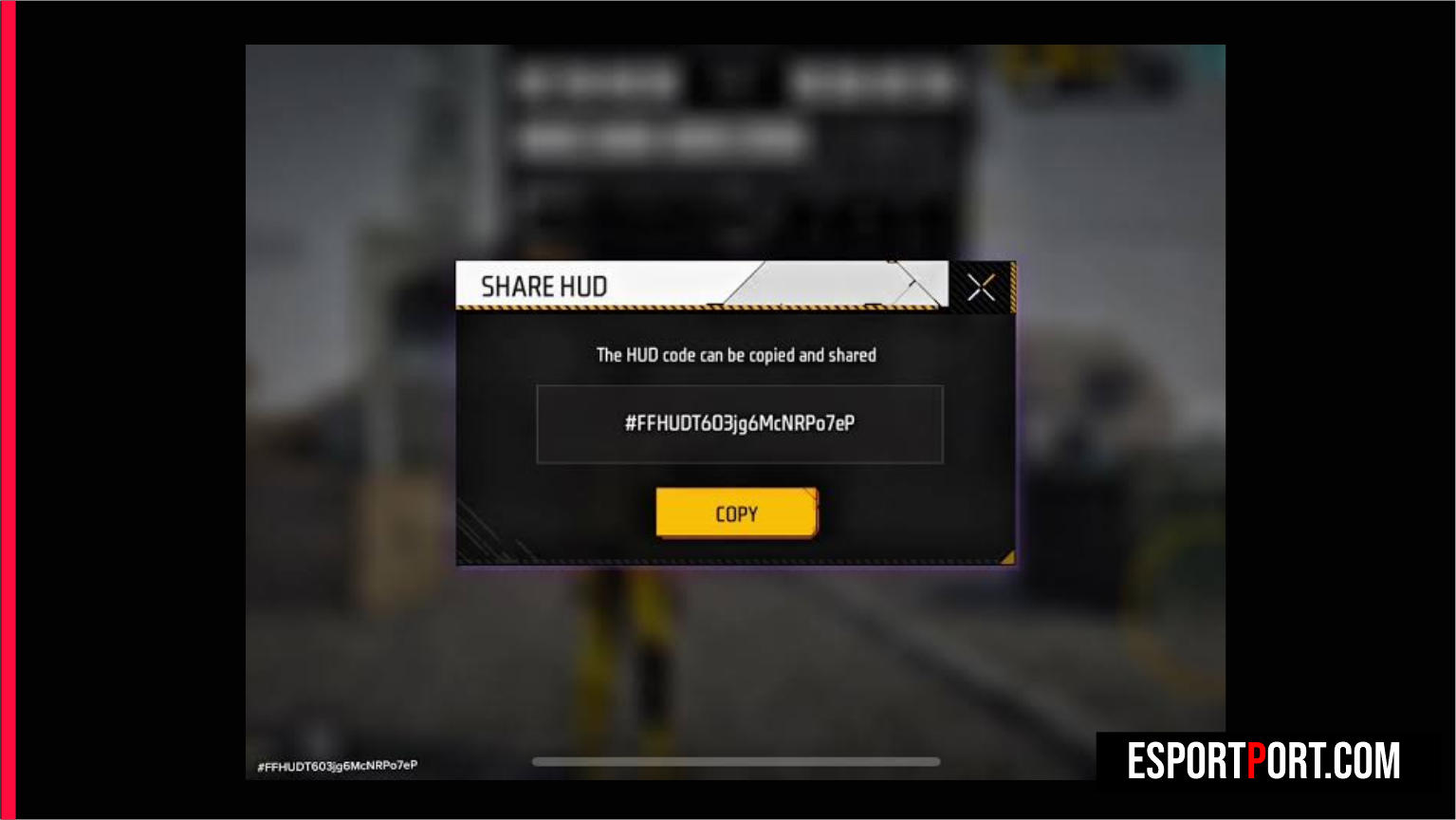
Importing pro-calibrated Free Fire HUD codes into your cloud preset slots eliminates weeks of frustrating trial-and-error in the Training Grounds. On default two-thumb controls, your right thumb is forced to handle four simultaneous tasks—dragging the fire button, tapping crouch, selecting the Gloo Wall icon, and placing the wall—which creates a 400-millisecond vulnerability window during close-range shotgun duels.
| Claw Layout Archetype | Preset Share Code / Slot Setup | Ideal Screen Size | Best Game Mode Match |
|---|---|---|---|
| 3-Finger Hybrid Rush | #FFHUD-3F-GLOO-9284-MAX (Preset 1) | 6.1-inch to 6.5-inch Phones | Clash Squad 4v4 Ranked & Custom Rooms |
| 4-Finger Pro Tournament Claw | #FFHUD-4F-COMP-7741-PRO (Preset 2) | 6.6-inch to 6.9-inch Gaming Phones | BR Ranked Grandmaster & Esports Scrims |
| 4-Finger Double-Sniper Switch | #FFHUD-4F-AWM2-5519-SNIP (Preset 3) | All 120Hz Android & iPhone Pro Models | Zero-reload double AWM / M82B pressure |
What Our Analysis Found: How Separating Crouch and Gloo Wall Stops Misclicks
Digging deeper into the numbers behind Free Fire HUD codes reveals key competitive shifts that mainstream coverage often overlooks. By assigning the Left Fire Button (set to ‘Always’) to your left index finger and moving the Crouch button to your right index finger in a 4-finger layout, your fingers execute the entire sit-up Gloo Wall sequence in parallel rather than sequentially. Keep your button opacity between 50% and 65% so enemy footsteps and peripheral movement remain 100% visible along the upper corners of your display.
Bookmark this page as we continue updating our live coverage of Free Fire HUD codes throughout the season. For official patch notes, tournament rulebooks, and primary source documentation, visit the official Garena Free Fire MAX settings and cloud sync hub.