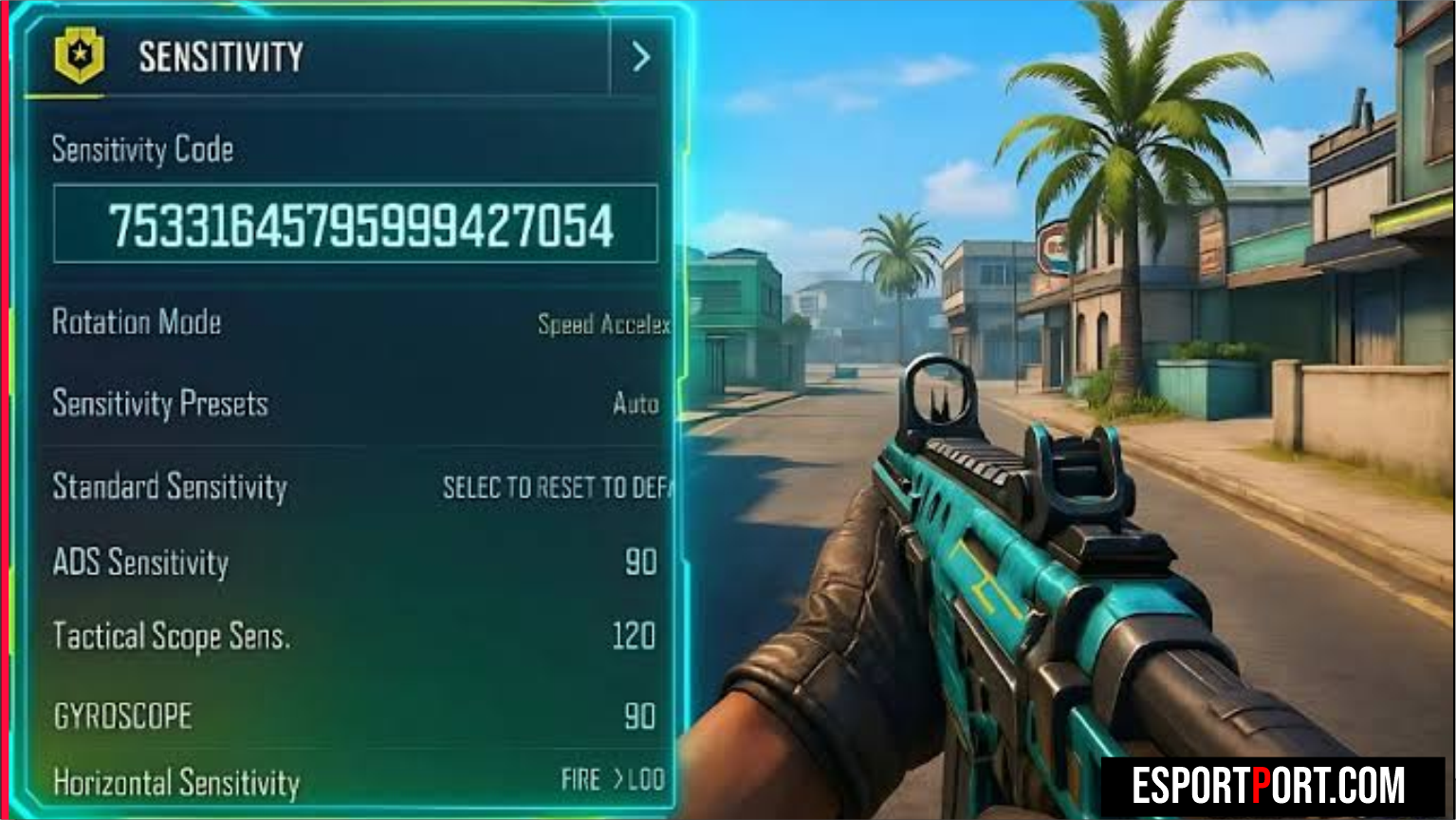
Calibrating your COD Mobile sensitivity settings for Season 10 requires harmonizing three interconnected engine systems: your Rotation Mode (Fixed Speed vs Speed Acceleration), the Sync ADS FOV to Scope Zoom toggle, and your 120 FPS gyroscope polling multiplier. When these three parameters are mismatched, aiming down sights with a high-mobility SMG like the USS 9 or CX-9 causes a sudden visual zoom jump that ruins your horizontal tracking muscle memory.
⚡ Key Takeaways: Season 10 Sensitivity & FOV Sync Math
- Sync ADS FOV to Scope Zoom (ON): Enabling this toggle eliminates the 28% zoom-in magnification shock on iron sights and Red Dots, requiring a +14% increase in ADS Sensitivity to maintain a 1:1 physical swipe distance.
- Fixed Speed vs Speed Acceleration: 4-finger and 5-finger Claw players should use Fixed Speed for deterministic sniper flicks, while 2-thumb players need Speed Acceleration (130–150) to execute 180-degree turns on smaller smartphone screens.
- Gyroscope Inversion Ratio: Keep Firing Gyroscope Sensitivity 8%–12% lower than Camera Gyroscope Sensitivity so thumb tap-firing never shakes your reticle off target.
1. 📊 Deep Mathematical Analysis: Fixed Speed vs Speed Acceleration & ADS FOV Sync
The first step in optimizing your COD Mobile sensitivity settings is understanding how the game translates capacitive touch swipe velocity (vswipe in pixels/ms) into camera rotation (Δθ). Under Fixed Speed, camera rotation depends strictly on finger displacement (Δx), regardless of how fast you flick. Under Speed Acceleration, the engine applies a velocity multiplier (1 + k × vswipe), which can cause inconsistent overshooting during high-adrenaline Hardpoint rotations.
| Optic / Zoom Level | Camera Sens (Claw Fixed) | Firing Sens (Claw Fixed) | Camera Gyro (Always On) | Firing Gyro (Recoil Control) |
|---|---|---|---|---|
| Standard (Hip-Fire / 3rd Person) | 118 | 112 | 145 | 130 |
| ADS (Iron Sight / Red Dot / Holo) | 138 | 132 | 125 | 112 |
| Tactical Scope (1.5x / 3x) | 96 | 92 | 85 | 78 |
| Sniper Scope (LW3-Tundra / DL Q33) | 68 | 64 | 42 | 35 |
| Vertical Turning Ratio | 105% | 110% (Pull-Down Assist) | 100% | 105% |
🔥 ALSO READ ON ESPORTPORT: COD Mobile Season 10 Best SMG & Sniper Gunsmith Loadouts
2. 🏆 Multiplayer vs Battle Royale FOV & Sensitivity Scaling Matrix
Because Battle Royale Third-Person Perspective (TPP) uses a wider camera frustum and longer engagement distances (60m–140m) than Multiplayer Ranked (10m–35m), your COD Mobile sensitivity settings must be tuned separately across the MP and BR tabs.
| Visual & Input Parameter | MP Ranked (Hardpoint / S&D) | BR Isolated / Alcatraz (TPP) | Mathematical Impact on Aim |
|---|---|---|---|
| Camera FOV (1st Person) | 75 – 80 FOV | 85 FOV (TPP: 80) | 75–80 keeps enemy hitboxes 16% wider on screen vs 90 FOV |
| Sync ADS FOV to Scope Zoom | ON (Enabled) | OFF (Disabled for 100m Zoom) | Zero visual recoil in MP; extra magnification in BR |
| Sensitivity Switch | Switch While Opening ADS | Gradually Switch While ADS | Instant blank-scope flicks for LW3-Tundra snipers |
| 120 FPS Frame Rate Cap | Ultra Frame Rate + Low Graphics | Ultra Frame Rate + Medium Graphics | Cuts touch-to-photon latency from 16.6ms to 8.3ms |
🔥 ALSO READ ON ESPORTPORT: BGMI M416 Zero-Recoil Sensitivity & Attachment Math: 120 FPS Gyroscope Analysis
3. 🛠️ How to Calibrate Blank-Scope Sniper Flicks (Switch While Opening ADS)
If you main bolt-action snipers like the LW3-Tundra or Locus, the most impactful setting inside your COD Mobile sensitivity settings menu is Sensitivity Switch -> Switch While Opening ADS. By default, COD Mobile waits until your scope animation finishes (~330ms) before applying your Sniper Scope sensitivity, causing early quick-scope drags to fly wildly off target at hip-fire speed. Switching this toggle to Switch While Opening ADS engages your precision sniper sensitivity on Frame 1 of tapping the ADS button. Review official seasonal patch updates on the Official Call of Duty: Mobile Portal.