
EDT (New York): 12:00 PM | PDT (San Jose): 09:00 AM | CET (Berlin/Frankfurt): 18:00 |
IST (New Delhi): 21:30 | SGT (Singapore): 00:00 (+1 Day) | JST (Tokyo): 01:00 (+1 Day)
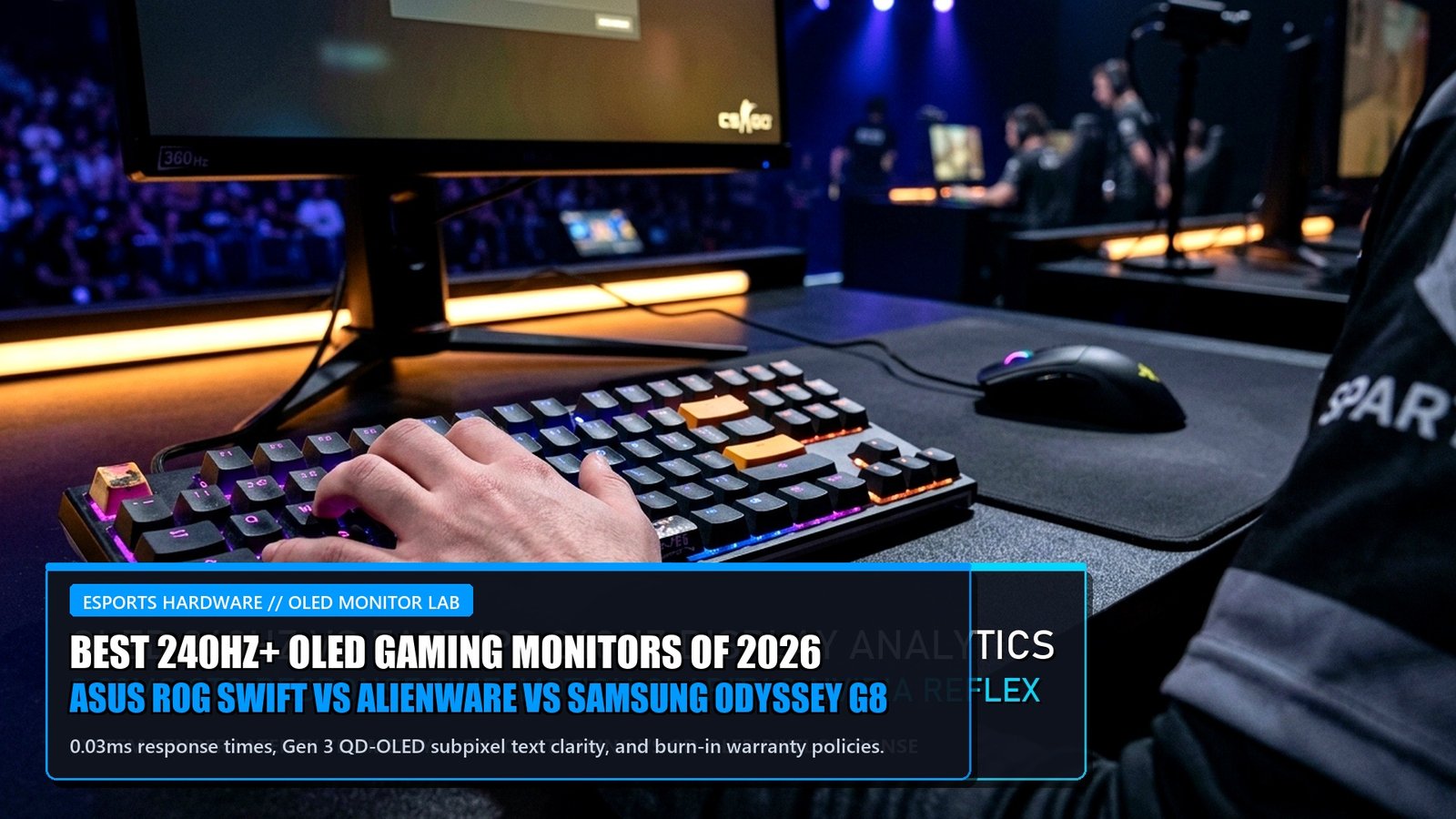
The PC gaming monitor market has reached its holy grail. For over a decade, competitive esports athletes and visual purists were trapped in an agonizing compromise: choose high-refresh TN and Fast-IPS panels for lightning-fast motion clarity, or endure slow VA and IPS glow for rich contrast. In 2026, OLED technology has completely captured the premium gaming monitor market, combining instantaneous 0.03ms pixel response times with infinite contrast ratios, deep true blacks, and blistering refresh rates up to 480 Hz.
However, navigating the OLED landscape requires understanding a fierce technological rivalry: Samsung Display’s Gen 3 Quantum Dot OLED (QD-OLED) versus LG Display’s Primary Color WOLED (White OLED) with MLA+ (Micro Lens Array). In this comprehensive testing lab showdown, we evaluate the flagship monitors of 2026: the ASUS ROG Swift OLED PG32UCDM, the Alienware AW3225QF, and the Samsung Odyssey OLED G8, analyzing text clarity, HDR brightness, and burn-in resilience.
QD-OLED vs WOLED: Sub-Pixel Layout & Color Volume
The primary technical differentiator between modern OLED monitors lies in how light and color are produced. Samsung’s Gen 3 QD-OLED passes pure blue OLED light through printed quantum dot nanocrystals to emit red and green. Because there is no white sub-pixel diluting saturation at high luminance, QD-OLED delivers unmatched color volume (99% DCI-P3 coverage) and radiant highlights.
Furthermore, Gen 3 QD-OLED introduces a refined sub-pixel arrangement that virtually eliminates the color-fringing artifacts on black text that marred early OLED panels. Conversely, LG’s latest 4K WOLED panels incorporate Micro Lens Array (MLA+) technology, utilizing billions of microscopic convex lenses to focus light forward, achieving a searing 1,300 nits of peak brightness in small HDR windows. For gamers pairing top monitors with flagship graphics silicon, review our engineering deep dive on the NVIDIA GeForce RTX 5090 Blackwell architecture and DisplayPort 2.1 specs.
2026 Flagship 240Hz+ OLED Gaming Monitor Comparison
| Monitor Model | Panel Type & Size | Resolution & Refresh | Peak HDR Brightness | Surface Finish | Burn-In Warranty | Retail Price |
|---|---|---|---|---|---|---|
| ASUS ROG Swift PG32UCDM | Gen 3 QD-OLED (31.5″) | 4K UHD (3840×2160) @ 240Hz | 1,000 Nits (Peak 3%) | Semi-Glossy (Anti-Reflective) | 3 Years (Full Coverage) | $1,299 |
| Alienware AW3225QF | Gen 3 QD-OLED (31.5″ Curved) | 4K UHD (3840×2160) @ 240Hz | 1,000 Nits (Dolby Vision) | Glossy (1700R Curve) | 3 Years (Advance Exchange) | $1,199 |
| Samsung Odyssey OLED G8 | Gen 3 QD-OLED (32″) | 4K UHD (3840×2160) @ 240Hz | 1,000 Nits (HDR10+) | Matte (OLED Glare Free) | 3 Years Coverage | $1,199 |
| LG UltraGear 32GS95UE | Primary WOLED MLA+ (31.5″) | 4K 240Hz / 1080p 480Hz | 1,300 Nits (Peak) | Matte Anti-Glare | 2 Years Limited | $1,399 |
Burn-In Protection & Active Heatsink Cooling
The fear of permanent static burn-in has historically kept many PC users away from OLED technology. In 2026, manufacturers have implemented sophisticated multi-stage mitigation protocols. ASUS integrates a custom graphene film and heavy custom heatsink with top air vents, completely eliminating the need for a noisy internal cooling fan while keeping panel operating temperatures below 40°C.
Furthermore, automated background firmware features—including Pixel Shift, Logo Brightness Limiting, and Automated Pixel Cleaning cycles that run when the display is in standby—have dramatically extended panel longevity. All major manufacturers now offer comprehensive 3-year burn-in warranties, providing advance exchange replacements if burn-in occurs under normal gaming use. For input latency and sub-tick sync configs, see our guide on CS2 sub-tick optimization and high-refresh rates.
+EV Pro Signals
- LG Dual-Mode 4K 240Hz / 1080p 480Hz: Switching to 480Hz at 1080p via dedicated hardware button provides elite competitive motion clarity for CS2 and Valorant.
- Custom Passive Vapor Chamber (ASUS): Operates in total silence without the mechanical whir of internal micro-fans found in older G-Sync modules.
- USB-C 90W Power Delivery: Allows single-cable connection for laptops and handheld PCs like the ROG Ally X with simultaneous charging.
Regression Traps
- Using QD-OLED in Direct Sunlight: Lacking a polarizing filter, QD-OLED blacks can appear slightly magenta or purplish under heavy ambient light; keep blinds drawn.
- Disabling Automated Pixel Cleaning: Bypassing the 4-hour standby cleaning cycles will accelerate static taskbar image retention.
- Setting Windows HDR to 100% SDR Brightness: Causes unnecessary heat buildup on white desktop windows; keep Windows SDR brightness slider at 30-40%.
Frequently Asked Questions (FAQ)
Is burn-in still a significant concern on 2026 OLED monitors?
For standard gaming and mixed productivity use, burn-in risk is exceedingly low thanks to Gen 3 panel refinements, heatsink thermal dissipation, and automatic pixel-cleaning cycles backed by 3-year warranties.
Which is better for competitive esports: QD-OLED or WOLED?
Both deliver virtually identical 0.03ms pixel response times. However, WOLED monitors offering a 480Hz dual-mode switch provide a slight competitive edge in pure motion fluidness for ultra-high-tier FPS players.
Why do QD-OLED monitors show raised blacks in brightly lit rooms?
QD-OLED panels do not include a traditional internal polarizing layer in order to maximize light transmission efficiency. In rooms with direct overhead light, ambient reflections can interact with the quantum dot layer, giving blacks a subtle purple tint.
Do I need HDMI 2.1 or DisplayPort 1.4 for 4K 240Hz?
Both DisplayPort 1.4 (using Display Stream Compression / DSC) and full-bandwidth HDMI 2.1 (48 Gbps) can deliver 4K at 240Hz with 10-bit color and HDR enabled visually losslessly.
Is a 32-inch 4K monitor too large for competitive shooters?
While traditional esports players prefer 24-to-27 inches to see all UI elements without moving their heads, 32-inch 4K monitors offering custom 24.5-inch aspect ratio modes allow users to enjoy immersive single-player games while snapping to compact esports windows when competing.
Related posts:
 Twitch Drops Rewards Guide: How to Link Accounts, Claim In-Game Loot & Unlock Evolving Badges
 Call of Duty Black Ops 6 Omnimovement Tech Guide: Slide-Cancel Combos, Velocity Stacking & Aim Assist Hacks
 NVIDIA GeForce RTX 5090 & RTX 5080 Blackwell Architecture Deep Dive: 28Gbps GDDR7, 512-Bit Bus, PCIe 5.0 & 600W Power Analysis
 Steam Deck OLED vs ASUS ROG Ally X vs Lenovo Legion Go: 2026 Handheld PC Benchmark Shootout, Battery Life & Ergonomics Review