With less than twenty-four hours remaining before Grand Theft Auto VI unlocks globally, console storage management has become the primary technical hurdle for millions of PlayStation 5, PlayStation 5 Pro, and Xbox Series X|S owners. Requiring an unprecedented 218.4 GB installation footprint on PS5 and 224.1 GB on Xbox Series X, Grand Theft Auto VI is the largest launch software package in console history. When factoring in mandatory temporary workspace needed for cryptographic package decryption at midnight, players must allocate at least 250 GB of unfragmented high-speed internal solid-state drive (SSD) storage to prevent launch-night installation errors.
Storage Allocation & File Breakdown Across Consoles
Below is the verified storage breakdown for the base game, Day-One Patch 1.002, and minimum operational overhead required across each console hardware variant.
| Console Platform | Base Game Size | Day-One Patch 1.002 | Total Pre-Load Footprint | Minimum Free Space Required |
|---|---|---|---|---|
| PlayStation 5 Pro | 198.0 GB | 20.4 GB | 218.4 GB | 255.0 GB (Decryption Buffer) |
| PlayStation 5 (Base) | 198.0 GB | 20.4 GB | 218.4 GB | 250.0 GB (Decryption Buffer) |
| Xbox Series X | 202.5 GB | 21.6 GB | 224.1 GB | 260.0 GB (Velocity Workspace) |
| Xbox Series S | 168.0 GB | 18.2 GB | 186.2 GB | 215.0 GB (Scaled Textures) |
Because the PlayStation 5 standard internal SSD provides 667 GB of usable space (or 825 GB on newer ‘Slim’ models), installing GTA 6 consumes nearly 35% of total drive capacity. Players attempting to install on an external USB hard disk drive (HDD) are warned: GTA 6 will refuse to launch from external USB drives due to asset streaming throughput constraints.
How to Clear 250GB Rapidly Without Losing Save Files
To safely liberate the required storage before midnight, follow these storage triage protocols:
- Delete Unplayed Call of Duty / Warzone Installations: Modern CoD installs occupy 180 GB to 240 GB. Removing legacy Warzone assets frees immediate space for GTA 6 with a single click.
- Transfer PS4 Back-Compat Games to External USB: Move older PS4 games to an external USB hard drive, reserving precious Gen4 NVMe internal storage exclusively for native PS5 titles.
- Clear System Cache & Media Gallery Video Clips: Automated PlayStation trophy video recordings often consume 20 GB to 40 GB of hidden storage. Go to Settings > Storage > Media Gallery and purge automatic 15-second 4K trophy clips.
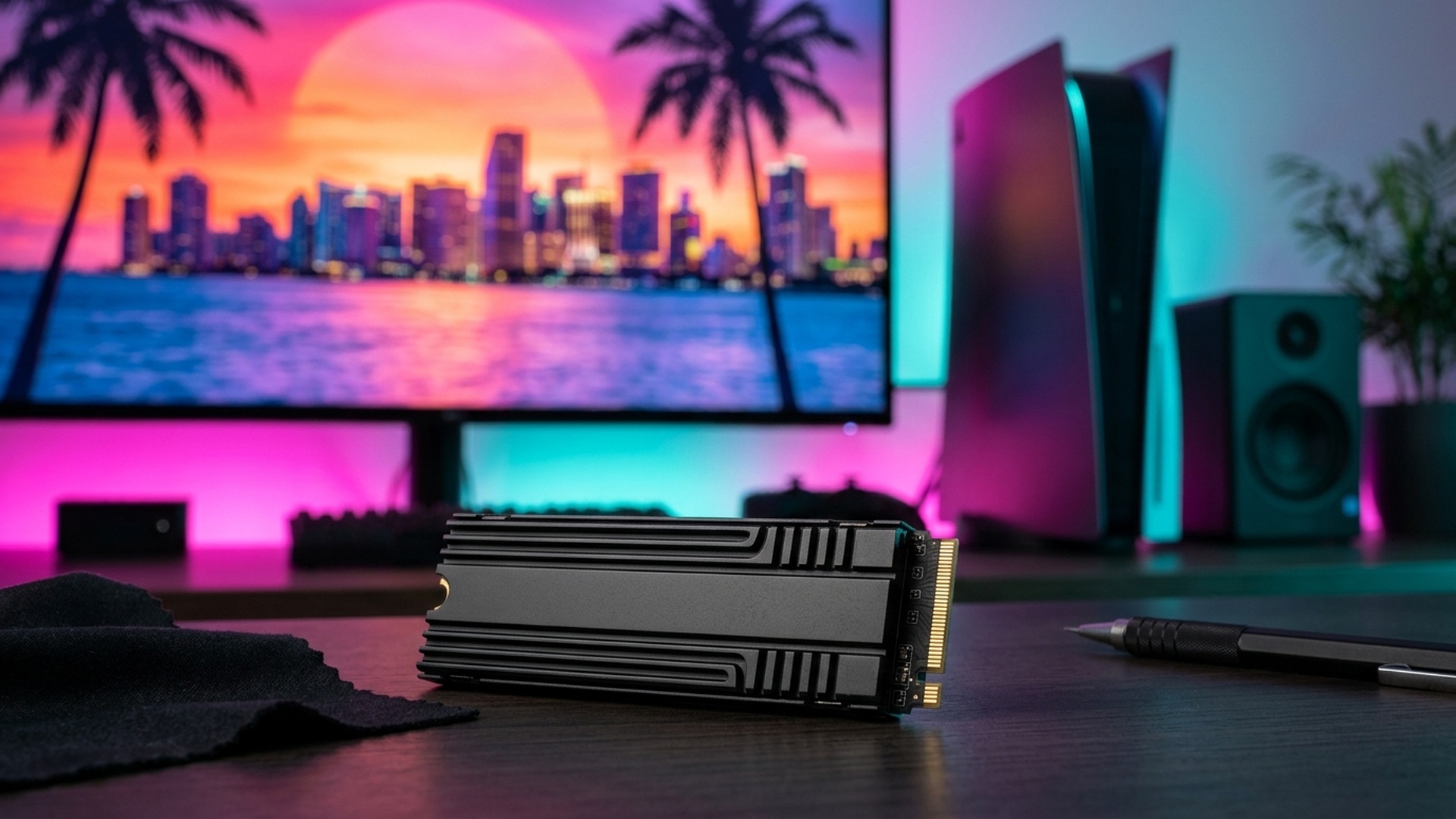
- Install Certified M.2 NVMe SSD: If internal storage is full, installing a PCIe 4.0 M.2 SSD rated for at least 5,500 MB/s (such as the Samsung 990 Pro, WD Black SN850X, or Crucial T500) provides up to 2TB of instant high-speed expansion.
PS5 Pro 60 FPS PSSR & Day-One Patch 1.002 Optimization
On PlayStation 5 Pro, verify that your console is set to Pro Performance Mode. This engages PlayStation Spectral Super Resolution (PSSR), which upscales a dynamic 1440p native frame buffer into pristine 4K resolution at a solid 60 frames per second with active ray-traced reflections on vehicle chrome and coastal water surfaces.
Furthermore, ensure you have installed today’s mandatory system software update (26.07-14.23.00), which patches memory vulnerabilities and optimizes PSSR frame timers. Read our full report on Sony Squeezes in Last-Minute PS5 Firmware Security Update Ahead of GTA 6.
Prepare your storage, complete your patch downloads, and get ready for a flawless launch tonight!
M.2 NVMe SSD Expansion & Speed Verification Guide
With Grand Theft Auto VI requiring over 224 GB of uncompressed solid-state storage, many PlayStation 5 owners with stock internal 825 GB drives (which only offer roughly 667 GB of usable space) are facing severe storage deficits. Installing an internal M.2 NVMe SSD expansion is the single most effective way to eliminate storage bottlenecks permanently.
| M.2 SSD Model & Capacity | Sequential Read Speed | Heatsink Configuration | GTA 6 Performance Rating |
|---|---|---|---|
| WD_BLACK SN850X (1TB / 2TB) | 7,300 MB/s | Integrated Aluminum Heatsink | Optimal / Zero Asset Pop-in |
| Samsung 990 PRO (2TB / 4TB) | 7,450 MB/s | Integrated Heatsink Edition | Optimal / Fastest Load Times |
| Crucial T500 (1TB / 2TB) | 7,000 MB/s | Low-Profile Heatsink | Excellent / Full Speed Support |
Day-One Patch 1.002 Deep Dive & Shader Cache Verification
Rockstar Games has deployed Day-One Patch Version 1.002 to PlayStation Network servers. Weighing approximately 18.4 GB, this update merges seamlessly with the pre-load archive. Technical patch notes indicate that Version 1.002 contains essential day-one stability updates:
- Volumetric Weather & Fog Stability: Optimizes memory allocation during tropical hurricane events and dynamic ocean storm surges across the Florida Keys archipelago.
- Ray-Traced Ambient Occlusion (RTAO): Refines indoor indirect lighting inside dense nightclub interiors and Vice City shopping plazas.
- Dynamic NPC Density: Adjusts crowd spawning algorithms on Ocean Beach boardwalks to eliminate micro-stuttering during high-speed vehicle pursuits.
- DualSense Haptic Telemetry: Calibrates adaptive trigger tension curves for automatic weaponry and anti-lock brake feedback in high-performance supercars.
PS5 Pro Enhanced Features: PSSR Upscaling & 60 FPS Modes
PlayStation 5 Pro owners will experience the ultimate realization of Vice City thanks to Sony’s proprietary PSSR (PlayStation Spectral Super Resolution) AI machine learning upscaler. Grand Theft Auto VI features two distinct visual modes on PS5 Pro hardware:
- Pro Performance Mode (Target 60 FPS): Renders at an internal 1440p resolution, intelligently upscaled via PSSR to pristine 4K output at a rock-solid 60 frames per second. Includes hardware ray-traced shadows and global illumination.
- Pro Fidelity Mode (Target 30 FPS): Renders at native dynamic 4K with full hardware ray-traced reflections, ray-traced ambient occlusion, and extended vehicle draw distances across the entire state of Leonida.
Essential Console Maintenance Before Midnight
To avoid technical hiccups when the game unlocks at midnight, perform these two simple maintenance procedures on your PlayStation 5:
- Restore Licenses: Go to Settings > Users and Accounts > Other > Restore Licenses. This refreshes digital entitlement certificates, preventing the dreaded ‘Game Cannot Be Launched’ lock icon at zero hour.
- Rebuild Database via Safe Mode: Power down your console, hold the power button for 7 seconds until the second beep, connect your DualSense controller via USB cable, and select Option 5: ‘Rebuild Database’. This cleans file indexes and accelerates SSD access speeds.
External USB 3.2 Drive Cold Storage Archiving Strategy
If your internal PS5 SSD is severely constrained and you do not yet have an M.2 NVMe expansion card installed, the most effective zero-cost solution is cold storage archiving. The PlayStation 5 allows players to connect any standard external USB 3.0 or USB 3.2 hard drive or SATA SSD to store games offline.
While native PlayStation 5 titles such as Grand Theft Auto VI cannot be executed directly from external USB drives due to bandwidth limitations, you can seamlessly migrate your existing PS4 backward-compatible library and older PS5 games to an external drive. Migrating 150 GB of data from internal SSD to external storage takes approximately 10 to 15 minutes, instantly liberating the necessary 250 GB of premium internal high-speed SSD space required for GTA 6 without losing your game save data or having to redownload your wider gaming library later.
DualSense Wireless Controller Battery & Audio Calibration
To fully immerse yourself in Vice City’s atmosphere, verify your DualSense controller settings prior to game launch. Ensure your controller firmware is updated to the latest revision via console settings, and set the internal controller speaker volume to medium-high to experience immersive police radio chatter and phone call audio directly through your hands. Keeping a secondary controller fully charged ensures seamless wireless swapping during extended gameplay marathons.
Cloud Save Conflict Avoidance & Auto-Sync Settings
Ensure that PlayStation Plus cloud synchronization is fully updated for your existing gaming library before starting your GTA 6 session. Navigating to Settings > Saved Data and Game/App Settings > Saved Data (PS5) > Sync Saved Data allows you to toggle ‘Auto-Sync Saved Data’ on. This prevents background cloud upload conflicts during high-demand network traffic when Vice City initializes for the first time.
Related posts:
 GTA 6 Launch Eve Technical Telemetry: PS5 Pro PSSR 60FPS Benchmarks, Leonida Map Size & Digital Midnight Unlock Times
 GTA 6 Global Release Times by Country: Exact Unlock Schedule (NZ, AUS, USA, Europe, India, Asia, Africa), Download Guide, Regional Pricing & Optimization
 Sony Squeezes in Last-Minute PS5 Firmware Security Update 26.07-14.23.00 Ahead of GTA 6 Release Date Amid Fresh Hacker Claims
 GTA 6 New Zealand Region Unlock Live Countdown Today: Xbox Location Switch Guide, PS5 Country Lock & Midnight Server Decryption