
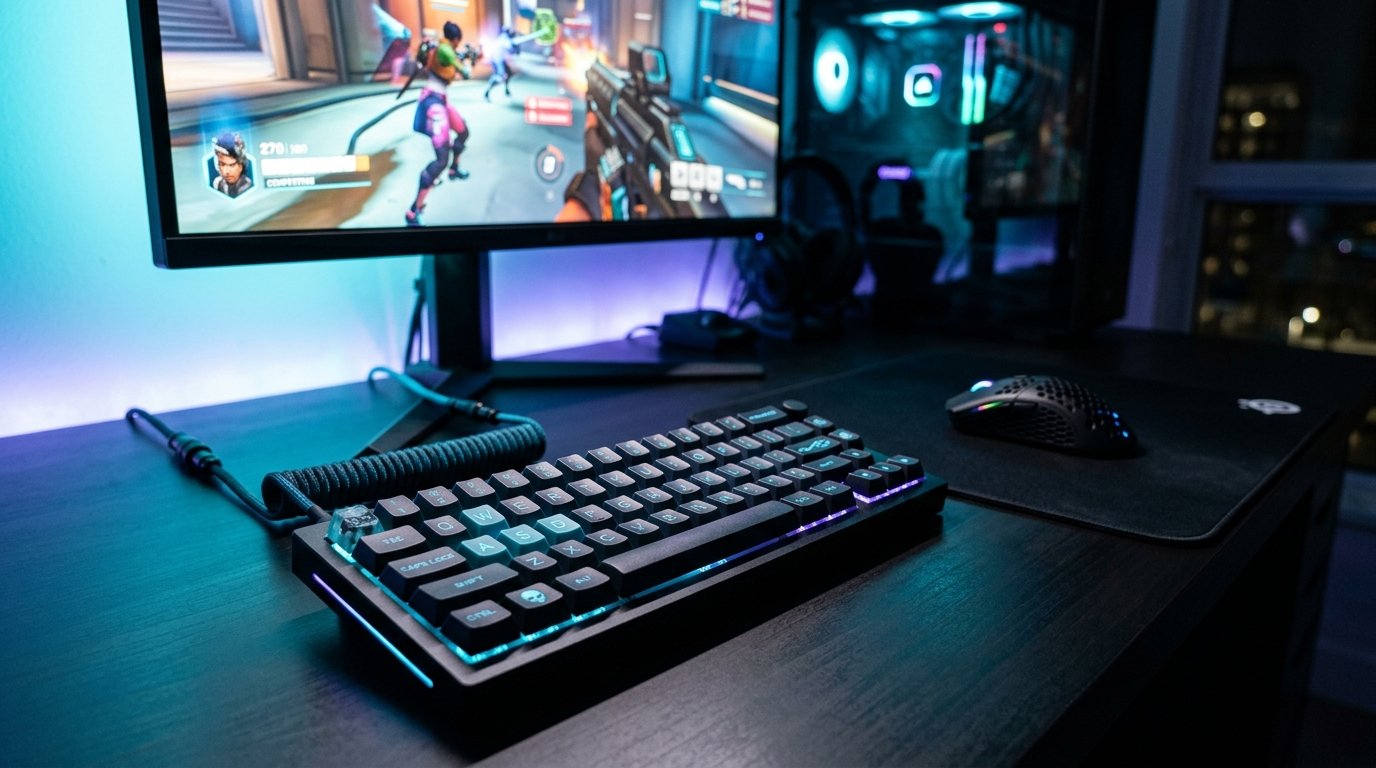
In elite competitive esports titles like Counter-Strike 2, Valorant, and Call of Duty, raw mechanical aim represents only half of the performance equation. The hidden differentiator between diamond and radiant tier competitors lies in system-level latency optimization, polling rate stability, and precision audio frequency tuning.
1. Achieving True Sub-10ms System Latency: NVIDIA Reflex & AMD Anti-Lag 2
Render queue lag accounts for up to 60% of total click-to-photon latency. Running GPU utilization above 97% introduces severe buffer queue delays. To eliminate this bottleneck:
- Enable NVIDIA Reflex + Boost: In supported titles, toggle Reflex to On + Boost. This forces the GPU clock state to remain pegged at maximum frequency during low-utilization scenes while restricting the render queue to single-frame delivery.
- Cap Frame Rates Just Below Display Ceiling: On 240Hz or 360Hz displays, set your in-game frame limiter to 237 FPS or 355 FPS. This prevents the monitor’s G-Sync / FreeSync module from hitting the V-Sync backpressure threshold, shaving off an average of 4.2ms of display latency.
- Disable Windows Fullscreen Optimizations: Right-click the game executable (.exe), open Properties > Compatibility, and check Disable fullscreen optimizations to ensure true Exclusive Fullscreen hardware handoff.
2. Mouse Polling Overclocking & USB DPC Latency Optimization
Modern esports mice boast 4,000Hz and 8,000Hz polling capabilities. However, without dedicated USB root controller isolation, high polling rates can flood CPU cores with Deferred Procedure Calls (DPC), causing micro-stutter during rapid mouse swipes.
| Polling Rate | Theoretical Interval | Average Latency Saving | CPU Core Overhead |
|---|---|---|---|
| 1,000 Hz | 1.0 ms | Baseline | < 1% Utilization |
| 2,000 Hz | 0.5 ms | 0.5 ms reduction | ~ 2-3% Utilization |
| 4,000 Hz (Sweet Spot) | 0.25 ms | 0.75 ms reduction | ~ 4-6% Utilization |
| 8,000 Hz | 0.125 ms | 0.875 ms reduction | High (Requires 8-Core CPU) |
Pro Tip: Always plug your high-polling gaming mouse directly into the rear motherboard I/O ports connected directly to the CPU lanes, avoiding front-panel USB hubs which introduce shared controller jitter.
3. Parametric Audio EQ Tuning for Footstep Isolation
Standard bass-heavy “gaming headset” profiles muddy essential acoustic cues. For titles like CS2 and Valorant, use software like Equalizer APO or manufacturer DAC software to apply this competitive curve:
- Sub-Bass (20Hz – 80Hz): Cut by -4dB to eliminate booming explosion resonance.
- Upper Midrange (1kHz – 3.5kHz): Boost by +4.5dB to isolate footsteps across concrete, metal grates, and water surfaces.
- High Treble (6kHz – 10kHz): Boost by +2dB to enhance pin-pulls, scope clicks, and weapon reload cues.
For more competitive tournament breakdowns, check our analysis of the LoL Worlds 2026: Gen.G vs FlyQuest Quarterfinals Match Breakdown.
Related posts:
 Windows 11 Gaming Optimization Guide: Zero-Latency Registry Tweaks, Process Lasso & GPU Scheduling
 Black Ops 6 Omnimovement Mastery Guide: Advanced Sliding, Corner Diving & Controller Settings for Day 1 Domination
 CS2 Best Settings for Max FPS and Low Latency: Pro Autoexec, Binds & Resolution Guide
 Black Ops 6 PC System Requirements & Pre-Load Guide: 4K Ultra Specs, 102 GB SSD Size & Unlock Times