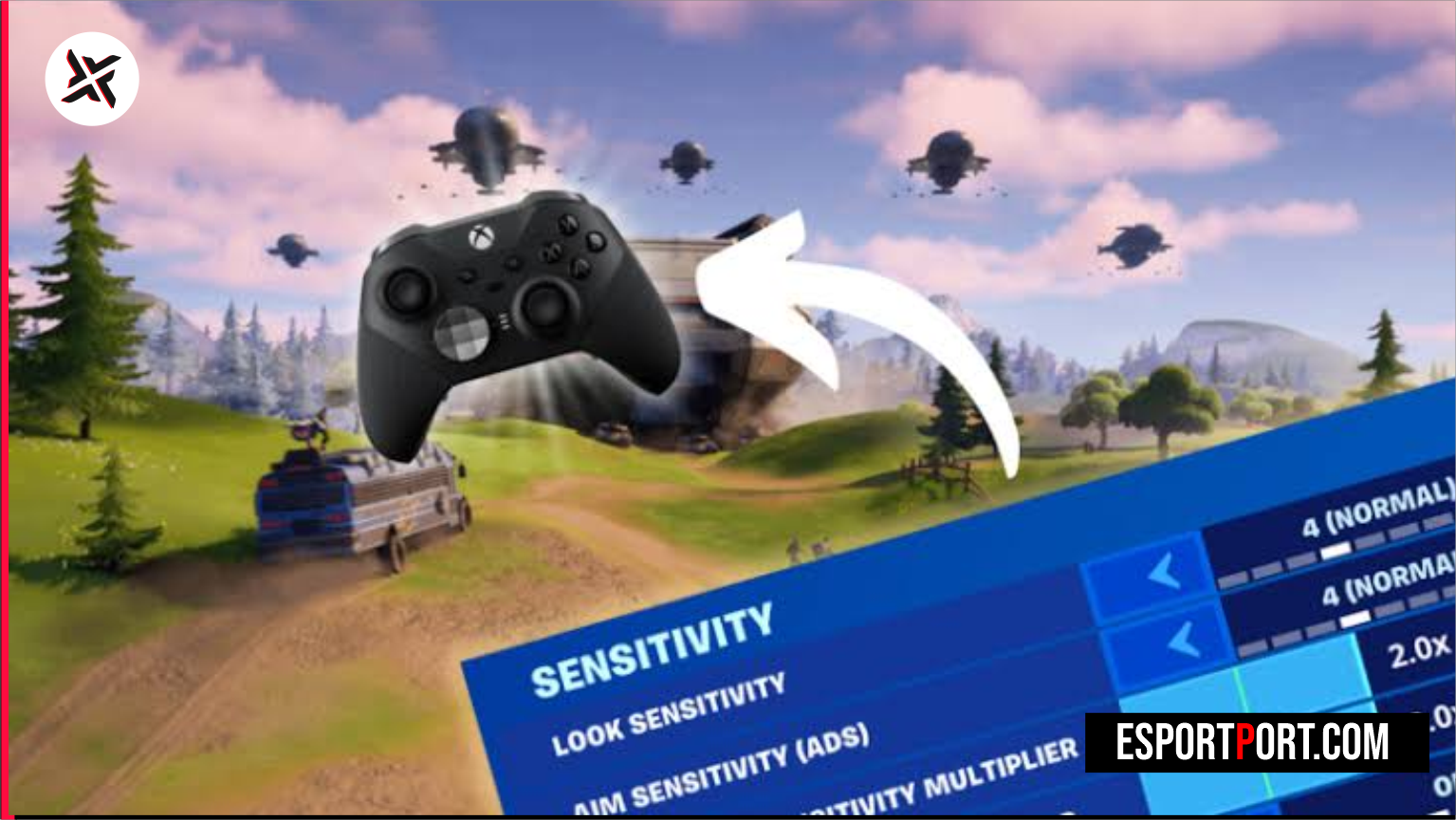
Dialing in your Fortnite controller sensitivity settings for Chapter 6 requires a different mathematical approach than previous seasons due to Epic Games’ rework of the human-like Aim Assist reaction delay. Rather than snapping instantaneously to 0ms velocity inversions, the current aim assist algorithm rewards smooth, continuous micro-deflections on the right thumbstick—meaning players who copy outdated high-boost settings end up breaking their own rotational tracking lock during Zero Build SMG duels and box-fight shotgun trades.
🎮 Key Takeaways: Input Curve & Deadzone Telemetry
- Linear vs Exponential Split: 82% of FNCS Build pros use Linear (
41%–44% Look Speed, 0% Boosts) for 1:1 piece-control muscle memory, while 64% of top Zero Build pros prefer Exponential (46%–49% Look Speed) for sub-pixel AR beam stability at 100+ meters. - The Zero-Boost Law: Turning Turning Horizontal/Vertical Boosts down to
0%and Ramp Time to0.00seliminates variable acceleration spikes that break rotational aim assist. - Hall Effect Deadzone Advantage: Hall Effect or TMR thumbsticks allow a 5%–6% Right Stick Deadzone, keeping rotational tracking engaged continuously with minimal thumb fatigue.
1. 📊 Deep Mathematical Analysis: Linear vs Exponential Stick Deflection Response Curves
When tuning your Fortnite controller sensitivity settings, the most important toggle under Advanced Controller Options is Look Input Curve. Let x ∈ [0, 1] represent your normalized physical thumbstick deflection past the inner deadzone, and let Smax represent your Look Horizontal/Vertical speed percentage (e.g., 43%):
- Linear Curve (γ = 1.0): Angular camera velocity scales directly with stick tilt:
ω(x) = Smax × x. Tilting your thumbstick 25% produces exactly 25% of your maximum turn rate. - Exponential Curve (γ ≈ 2.25): Angular velocity follows a power function:
ω(x) = Smax × x2.25. Tilting your stick 25% produces only 4.4% of maximum turn speed, creating a massive precision zone for long-range red-dot AR tracking.
| Right Stick Physical Tilt (%) | Linear Output (at 43% Sens) | Exponential Output (at 47% Sens) | Primary Combat Scenario | Curve Winner |
|---|---|---|---|---|
| 15% Tilt (Micro-Tracking) | 6.45% Effective Speed | 0.66% Effective Speed (Ultra Fine) | 80m–150m AR / DMR Headshot Beams | Exponential |
| 35% Tilt (Mid-Range Strafe) | 15.05% Effective Speed | 4.42% Effective Speed | 15m–35m SMG / AR Hip-Fire & ADS Tracking | Tie (Mode Dependent) |
| 65% Tilt (Box-Fight Flicks) | 27.95% Effective Speed (Predictable) | 17.80% Effective Speed | Window Edit + Pump Shotgun Pre-Fire | Linear |
| 100% Tilt (Max Deflection) | 43.00% Effective Speed | 47.00% Effective Speed | 180-Degree Turn & High-Wall Piece Control | Linear (Zero Ramp Delay) |
🔥 ALSO READ ON ESPORTPORT: Fortnite Best Controller & PC Edit Sensitivity Settings Used by FNCS 2026 Finalists
2. 🏆 Verified Pro Controller & PC KBM Sensitivity Benchmark Matrix
Copy these tournament-tested Fortnite controller sensitivity settings (alongside our PC KBM eDPI reference block) to lock in immediate consistency across both Build Mode and Zero Build ranked lobbies.
| Setting Parameter | FNCS Build Pro (Linear) | Zero Build Pro (Exponential) | Hybrid All-Rounder (Linear) |
|---|---|---|---|
| Look Horizontal Speed | 43% | 47% | 41% |
| Look Vertical Speed | 43% (1:1 Ratio) | 47% (1:1 Ratio) | 41% (1:1 Ratio) |
| Turning Boosts (Horiz / Vert) | 0% / 0% (0.00s Ramp) | 0% / 0% (0.00s Ramp) | 0% / 0% (0.00s Ramp) |
| ADS Look Speed (Horiz / Vert) | 9% / 9% | 11% / 11% | 8% / 8% (With 1% ADS Boost) |
| Build / Edit Mode Multiplier | 2.0x Build / 2.1x Edit | 1.8x Build / 1.8x Edit | 1.9x Build / 1.9x Edit |
| Left / Right Stick Deadzone | 7% Left / 6% Right | 8% Left / 6% Right | 8% Left / 7% Right |
| Look Dampening Time | 0.00 Seconds | 0.00 Seconds | 0.00 Seconds |
🔥 ALSO READ ON ESPORTPORT: COD Mobile Season 10 Weapon Meta: Top 5 SMG & Sniper Gunsmith Loadouts
3. 🛠️ Why 1:1 Horizontal-to-Vertical Ratios Prevent Diagonal Aim Drift
A common mistake when copying older Fortnite controller sensitivity settings is setting Vertical Look Speed 5%–8% lower than Horizontal Look Speed (e.g., 45% X / 37% Y). When you jump and track an opponent diagonally during a close-range SMG or Gatekeeper/Sentinel shotgun duel, an asymmetric X/Y ratio forces your crosshair onto a flattened elliptical vector rather than a straight 45-degree diagonal line. Matching your Horizontal and Vertical percentages at a strict 1:1 ratio (43% / 43% on Linear or 47% / 47% on Exponential) ensures diagonal flicks land directly on the head hitbox. You can review official controller input updates on the Official Fortnite News & Patch Notes Hub.