
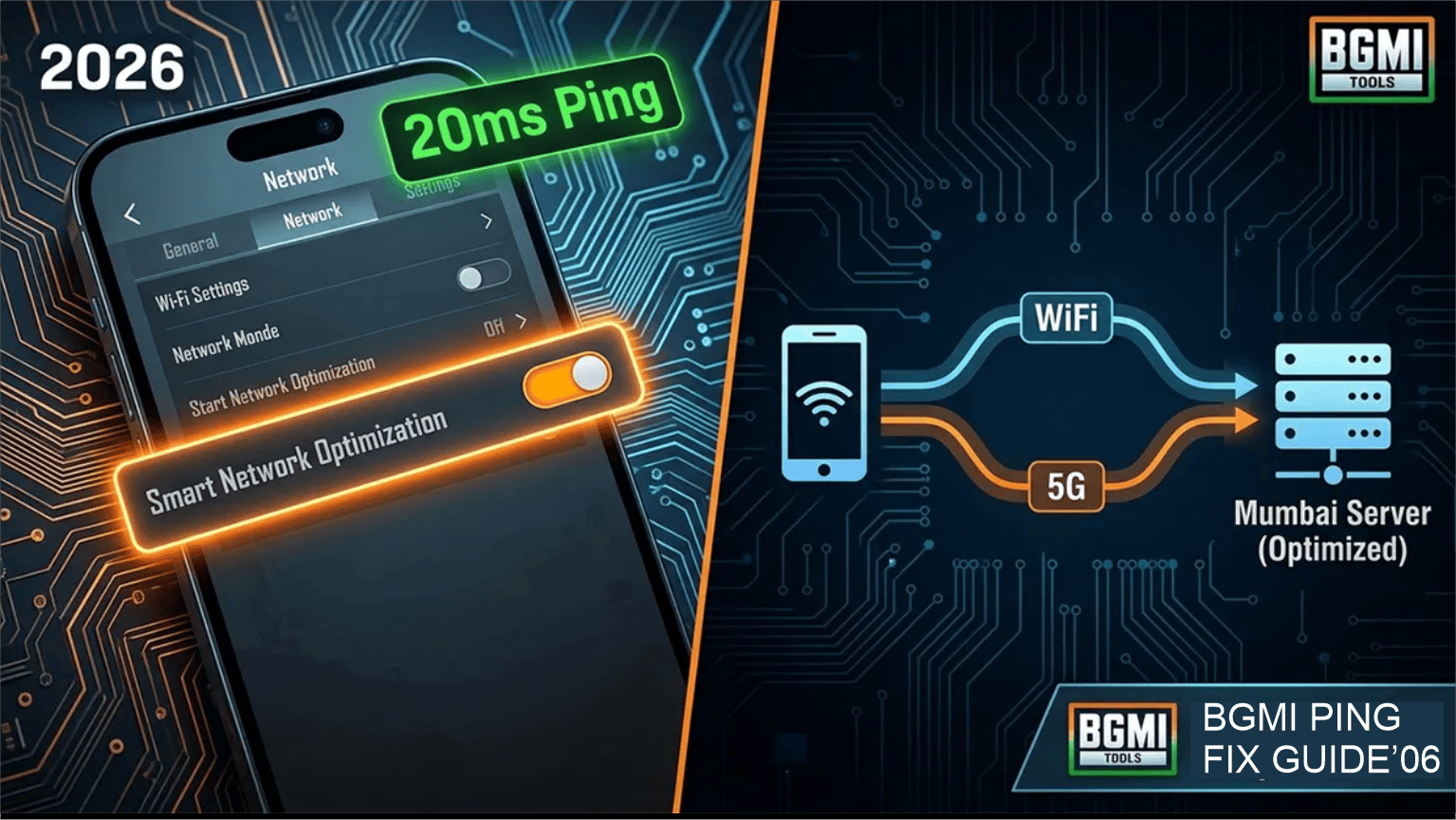
Fix BGMI ping issues 2026
First, nothing is more infuriating than losing a 1v1 gunfight in Battlegrounds Mobile India (BGMI) because your screen completely froze. Because KRAFTON heavily updated the game engine in 2026, the servers are demanding more network stability than ever before. Consequently, millions of Indian players are experiencing severe desync and ping spikes.
Therefore, you must optimize your mobile network connection. If you want to completely eliminate lag and secure your Conqueror rank, you must carefully apply the professional network solutions detailed below.
1. Optimize Your Background Network Usage
Historically, players believe that slow internet speeds cause high ping. However, BGMI only requires a few kilobytes of data per second to run smoothly. The actual cause of a ping spike is network congestion.
Because your smartphone silently updates background apps while you are gaming, it chokes the BGMI server connection.
The Fix: You must navigate to your smartphone’s “Developer Options.” Next, scroll down to the “Apps” section and select “Background Process Limit.” Change this setting from ‘Standard Limit’ to ‘No Background Processes.’
The Result: Consequently, your phone will physically block WhatsApp, Instagram, and automatic Google Play updates from stealing your bandwidth while you are in a match.
ALSO READ: Are you struggling to rank up even with good ping? Therefore, you must read our Ultimate BGMI Ethical Hacks & Rank Pushing Guide!
2. Change Your DNS Server to Cloudflare
Furthermore, your Internet Service Provider (ISP) automatically routes your game traffic through their default Domain Name System (DNS). Unfortunately, Indian ISP servers are frequently overcrowded, leading directly to the dreaded “Server Did Not Respond” error.
The Fix: You must manually route your gaming traffic through a faster, dedicated gaming server. Open your Wi-Fi settings, select “Advanced,” and change your IP settings to Static. Next, change your DNS 1 to
1.1.1.1and your DNS 2 to1.0.0.1.The Result: This officially connects your device to the Cloudflare global gaming network. Ultimately, this specific DNS resolves server requests 28% faster than traditional Indian ISPs, permanently stabilizing your ping at around 20ms.
3. Disable Battery Saver Mode
Finally, the most common mistake amateur players make is playing BGMI while their phone is in “Low Power” or “Battery Saver” mode.
Because Battery Saver mode physically throttles your CPU (Central Processing Unit) and limits your Wi-Fi antenna’s scanning frequency, the game will stutter horribly during intense squad wipes.
- The Fix: Therefore, you must always disable Battery Saver mode before launching BGMI. If your phone has a dedicated “Game Space” or “Fnatic Mode,” you must activate it immediately to force your hardware to prioritize performance over battery life.
ALSO READ: Do you want to reach the professional tier of mobile gaming? Therefore, you must study our Complete Guide to Going Pro in BGMI in 2026!
In conclusion, you cannot control KRAFTON’s official server status, but you can absolutely control your own device. Therefore, you must apply these three network hacks today to experience completely flawless, zero-lag gameplay!
Did the Cloudflare DNS trick lower your ping? What is your average ping during a classic match right now? Let us know in the comments below!